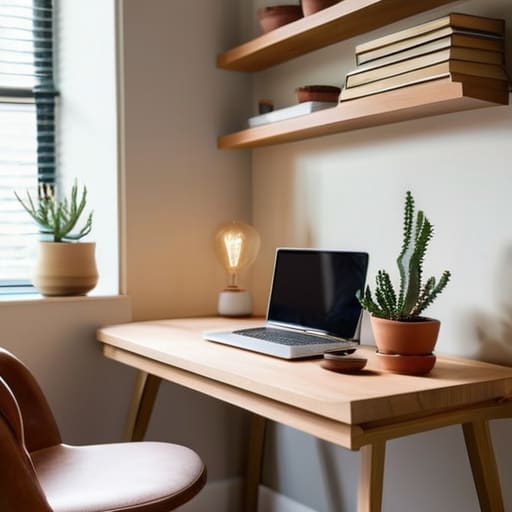
I spent six years on a helpdesk watching people try to “optimize” their lives with $500 standing desks and complex modular shelving systems that ended up being nothing more than expensive dust collectors. Most advice on how to plan a small home office feels like it was written by someone trying to sell you a lifestyle rather than a functional workspace. They want you to believe that if you just buy the right aesthetic linen desk pad or a smart light that syncs with your circadian rhythm, you’ll suddenly become a productivity god. In reality, most of that is just expensive clutter that makes your tiny room feel even smaller.
I’m not here to sell you a dream or a subscription-based task manager you’ll forget to renew in three months. Instead, I want to show you how to build a setup that actually works within the four walls you currently have. We’re going to talk about the boring, essential stuff: where to plug in your router so the Wi-Fi doesn’t drop during calls, how to choose a chair that won’t ruin your posture by age forty, and how to manage your cables so they don’t become a tripping hazard. This is the practical guide to making a small space work for you, rather than against you.
Table of Contents
Small Apartment Office Ideas That Wont Clutter Your Life

The biggest mistake I see people make in tiny apartments is trying to carve out a “room” that doesn’t exist. You don’t need a dedicated office; you just need a zone that doesn’t make you feel like you’re living inside a cubicle. If you’re working from a corner of your bedroom or a nook in the living room, look into dual purpose furniture for working from home. A sturdy console table that looks like a sideboard during the day, or a desk that folds flat against the wall when you’re done, can save your sanity. The goal is to be able to “close” the office at 5:00 PM so it doesn’t bleed into your relaxation time.
When floor space is at a premium, stop looking down and start looking up. Maximizing vertical storage is the only way to keep your tech and paperwork from migrating across every flat surface you own. Instead of a bulky filing cabinet, get a slim shelving unit or some sturdy floating shelves. It keeps your peripheral gear off the desk surface, which is essential for minimalist desk organization. If your desk is clear, your brain stays a bit clearer, too.
Maximizing Vertical Storage Without Buying Expensive Junk
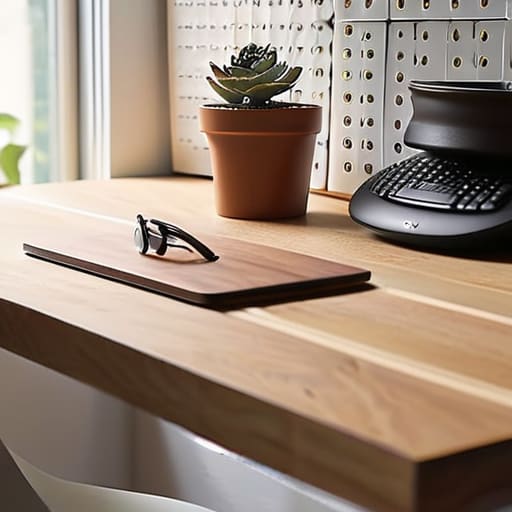
The biggest mistake I see people make when they run out of desk space is thinking they need a bigger desk. You don’t. You just need to stop treating your tabletop like a junk drawer. If you start looking up, you’ll find a lot more room. Maximizing vertical storage is basically just the art of getting everything that isn’t your keyboard and mouse off the flat surfaces. I’m talking about pegboards, floating shelves, or even those simple metal mesh organizers that clip onto the side of a desk. It’s much better to have your pens, notebooks, and cables hanging on a wall than sliding around in a pile under your elbows.
If you’re on a budget, skip the “lifestyle” organizers from those big-box home stores that cost forty Euro for a plastic tray. Go to a hardware store and get a basic pegboard. It’s cheap, it’s modular, and it actually works. Just keep in mind that as you add more stuff to the walls, it can start to feel a bit heavy visually. I prefer minimalist desk organization—only hang the things you actually touch every single day. If you haven’t reached for that specific stapler in a month, it shouldn’t be taking up prime real estate on your wall.
The Five Things That Actually Matter (And the Stuff You Can Ignore)
- Measure your light before you move your desk. I’ve seen people spend a week setting up a beautiful corner only to realize the glare on their monitor makes them squint for eight hours straight. If the window is behind you, you’ll get reflections; if it’s in front of you, you might be blinded by the sun at 2 PM. Find the middle ground.
- Don’t buy a “gaming” setup unless you actually play games. Most of those ergonomic chairs are overpriced plastic shells that feel great for ten minutes and then leave you sweating. Look for a second-hand office chair from a reputable brand—it’ll be built better, last longer, and won’t cost a month’s rent.
- Check your outlet situation before you commit. There is nothing more frustrating than setting up a perfect workstation only to realize you need three different power strips and a tangle of extension cords just to plug in your laptop and lamp. Map out the plugs first; it’s much easier to move a desk than it is to rewire a room.
- Invest in one good cable management solution. I don’t care if it’s a $5 plastic tray that screws under your desk or just some heavy-duty velcro ties. If your wires are a bird’s nest on the floor, you’ll never feel organized, and you’ll definitely trip on them when you’re trying to get up for coffee.
- Think about the “exit strategy” for your tech. If you buy a smart desk or a specialized lighting system, make sure it isn’t tied to a proprietary app that requires a monthly fee just to keep the presets working. If the company goes bust or you decide to cancel the subscription, you should still be able to use your desk as a regular piece of furniture.
The Short Version: What to Remember
Focus on the essentials first; you don’t need a standing desk or a designer ergonomic chair to get work done, you just need a surface that doesn’t wobble and a seat that doesn’t make your lower back ache by 3 PM.
Use your walls, not your floor; if you’re short on square footage, every shelf or pegboard you put up is one less piece of clutter competing for space on your desk.
Watch the hidden costs; before you buy into a “smart” office ecosystem, make sure you aren’t signing up for three different monthly subscriptions just to keep your lighting or desk timer running.
The Trap of the 'Perfect' Setup
“Stop looking for the office that looks like a Pinterest board; you’re trying to build a workspace, not a showroom. If your setup doesn’t let you sit down without hitting your knee on a drawer or hunting for a charger every twenty minutes, it’s not a workspace—it’s just more clutter you’re paying rent for.”
Saoirse Doyle
The Bottom Line
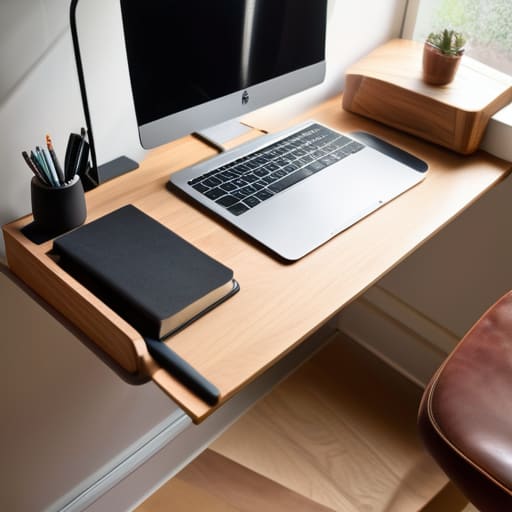
At the end of the day, planning a small office isn’t about finding that perfect, Pinterest-worthy corner that looks like a minimalist dream. It’s about making sure your setup actually works when you’re three hours into a deadline and your back starts to ache. We’ve talked about picking furniture that fits your actual footprint, using your walls so your desk isn’t a graveyard for loose papers, and keeping the clutter to a minimum so you aren’t fighting your environment just to find a pen. Remember, every piece of gear you buy should earn its keep; if it doesn’t serve a specific purpose or provide genuine comfort, it’s just expensive digital dust waiting to happen.
Don’t get caught in the trap of thinking you need a complete overhaul or a suite of expensive “productivity” gadgets to get started. Most of the time, a clear surface and a decent chair are doing ninety percent of the heavy lifting. Your workspace should be a tool that helps you get your work done and then gets out of your way so you can actually enjoy your life once the laptop closes. Start with what you have, fix the one thing that’s currently driving you mad, and build from there.
Frequently Asked Questions
What happens to my files and data if I use a subscription-based project management tool to organize my workspace?
Here’s the thing about subscription tools: you don’t actually own your workflow; you’re just renting it. If you stop paying, most platforms lock your data behind a “read-only” wall or, worse, give you a grace period before they start pruning your projects to save server space. Before you commit, check if they have a reliable CSV or JSON export function. If you can’t get your data out in a clean spreadsheet, you’re just building a digital cage.
How do I manage cable clutter in a tiny space without spending a fortune on specialized organizers?
Forget the $50 “cable management kits” you see on Instagram. Most of them are just plastic junk that ends up in a drawer. Start with heavy-duty Velcro strips—not those plastic zip ties that bite into the wires—to bundle cables together behind your desk. If you have a gap between your desk and the wall, use a cheap command hook to route the main power cord down the leg. It’s not pretty, but it stays put.
Is it actually worth investing in an ergonomic chair, or can I just make do with what I have until I have more room?
Look, I spent six years watching people develop chronic neck pain because they thought “sitting up straight” was a personality trait. If you’re sitting in a dining chair for eight hours, your body will eventually stage a protest. You don’t need a thousand-euro designer throne, but please don’t “make do” with a wooden stool. If you can’t afford a proper task chair yet, grab a decent lumbar cushion. It’s a cheap fix that beats a chiropractor later.
