I spent six years in a helpdesk chair watching people try to “optimize” their lives with expensive gadgets that ended up being nothing more than glorified paperweights. Most of the marketing around smart homes makes it sound like you need a degree in electrical engineering to figure out what is home energy monitoring and how it’s going to save your life. They sell it as this seamless, magical ecosystem, but usually, it’s just a series of finicky sensors and apps that demand a monthly subscription just to show you a graph of your toaster’s usage. It’s not about building a futuristic command center; it’s about stopping the mystery of why your electric bill looks like a phone number every January.
I’m not here to sell you on a lifestyle upgrade or a shiny new piece of tech you’ll stop using in three weeks. Instead, I’m going to break down the actual hardware, the real-world costs, and—most importantly—what happens to your data if the company decides to pivot or shut down their servers. I’ll show you which setups actually work without requiring a constant battle with your Wi-Fi, and which ones are just expensive ways to feel productive while your money leaks out of the socket.
Table of Contents
Real Time Electricity Consumption Seeing the Actual Drain
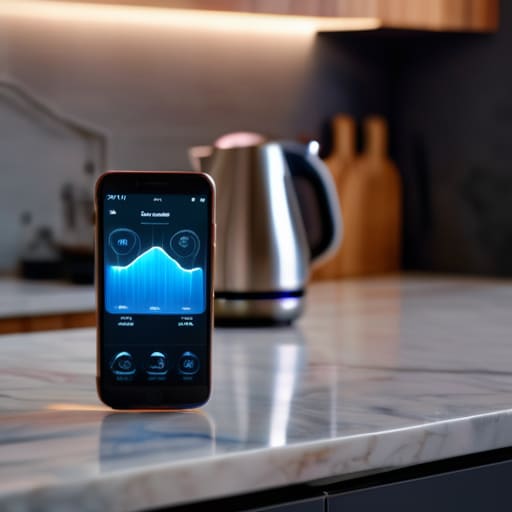
The whole point of this setup isn’t just to see a monthly total that makes you wince; it’s about seeing the actual drain as it happens. Most of us live in a state of “energy guesswork,” where we assume the fridge is fine and the heater is the culprit. Real-time electricity consumption monitoring pulls back the curtain, showing you exactly how much power your devices are pulling at this very second. It’s the difference between looking at a receipt at the end of the month and watching the cash fly out of your wallet every time you turn on the kettle.
This usually works through smart meter integration or by clipping sensors onto your main breaker. If you get it right, you can finally perform a proper household power consumption analysis without needing a degree in electrical engineering. You’ll see that spike when the dryer kicks in, or that annoying, constant “phantom load” from your gaming PC or old TV. Just a heads-up: some of these systems rely on a cloud subscription to show you these live graphs. If you stop paying, you usually lose the live data and are left with nothing but a very expensive, very silent piece of plastic on your wall.
Smart Meter Integration the Setup Youll Actually Use
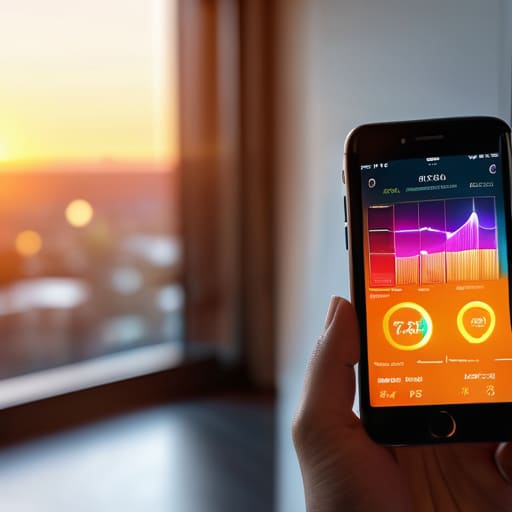
Most people think they need to buy a whole new ecosystem of smart plugs to see what’s happening, but the easiest route is usually through smart meter integration. If your utility provider has already installed a digital meter, you might already have the data sitting there, waiting to be pulled into an app. Some setups allow you to sync your meter data directly with a dashboard, which is great because it doesn’t require you to stick extra sensors onto your fuse box. It’s the path of least resistance, though I should warn you: some utility apps are notoriously clunky and only update once a day, which defeats the purpose if you’re trying to catch a vampire appliance in the act.
If your provider’s tech is rubbish—and let’s be honest, it often is—you’ll likely end up looking at hardware that clips onto your consumer unit. This is where the real household power consumption analysis happens. It’s a bit more fiddly to install, and you might need to feel a little brave around your electrical panel, but it gives you the granular detail that a standard utility app won’t. Just keep an eye on the connection stability; if the bridge loses Wi-Fi, you’re back to guessing.
Five things to check before you start chasing kilowatts
- Check the “offline” plan. Before you buy a monitor that promises to save you £50 a month, ask yourself what happens if their servers go down or they decide to hike the subscription fee. If the hardware becomes a glorified paperweight the moment you stop paying the monthly fee, walk away.
- Don’t trust the “all-in-one” marketing. Most systems are great at seeing the big picture (your whole house) but terrible at seeing the small picture (that one old fridge in the garage). If you want to know exactly which appliance is the culprit, you usually need specific smart plugs, not just a central hub.
- Look for local data storage. I’ve spent too many hours helping people recover “lost” energy trends because a cloud service wiped their history during a software update. If the system lets you save your data locally on an SD card or a home server, you’ll actually own your information.
- Beware of the “setup fatigue” trap. Some systems require you to clip sensors onto every single wire in your breaker box. Unless you’re comfortable with electrical panels, stick to the non-invasive clamps (CT clamps) that just clip around the main lines. It’s much less likely to end in a frantic call to an electrician.
- Match the monitor to your utility provider. Some smart meters are surprisingly good at talking to third-party apps, while others are locked down tight. Check if your energy provider has an existing API or app that already does half the work for you before you go out and buy a whole new ecosystem.
The bottom line
It won’t magically lower your bill, but it stops the guessing game by showing you exactly which appliance is running your costs into the ground.
Watch out for the “subscription trap”—some of the best hardware becomes a glorified paperweight if the company decides to start charging a monthly fee just to see your own data.
Don’t overcomplicate the setup; if you can’t get it working with your existing smart meter or a simple clamp-on sensor in twenty minutes, it’s probably more trouble than it’s worth.
The reality of the data
Most people think home energy monitoring is about some grand mission to save the planet, but after years of fixing smart home setups that just create more noise, I’ve learned it’s actually much simpler: it’s about finally seeing which specific appliance is quietly bleeding your bank account dry while you’re asleep.
Saoirse Doyle
The Bottom Line
At the end of the day, home energy monitoring isn’t about becoming a data scientist or obsessing over every single watt. It’s about moving away from that monthly “shock” when the utility bill arrives and actually understanding where your money is going. You’ve looked at how real-time tracking catches those power-hungry appliances and how smart meter integration can do the heavy lifting for you. Just remember my golden rule: before you commit to a fancy dashboard, check if the data is yours to keep or if you’re just renting a view of your own electricity until the subscription lapses. If you pick a tool that is reliable and doesn’t require a degree in electrical engineering to set up, you’ve already won half the battle.
Don’t feel like you need to automate your entire house by next Tuesday. Most people find that just seeing the numbers is enough to change their habits naturally. You don’t need a complex, expensive ecosystem to make a dent in your costs; you just need a bit of visibility into the invisible. Start small, pick a system that won’t break the moment you change your Wi-Fi password, and let the data do the nagging for you. Once the system is running quietly in the background, you can get back to the things that actually matter—like making sure your bread starter hasn’t died while you were staring at a pie chart.
Frequently Asked Questions
Do I need to rewire my whole house just to get this data, or can I just plug something into the wall?
No, you don’t need to call an electrician and strip your walls bare. Most people think they need a full rewire, but that’s a massive headache you don’t need. You have two main routes: the “plug-and-play” route with smart plugs for individual appliances, or the “clamp-on” method where you clip sensors around your existing wires in the breaker box. The latter gives you the whole house view without the renovation drama.
If I stop paying for the monitoring service subscription, do I lose all my historical usage data?
This is the question I wish more people asked before hitting ‘subscribe.’ It depends entirely on where the data lives. If you’re using a cloud-based service, the second your payment fails, they usually lock your historical charts behind a paywall or just wipe them. If you’ve gone the local route—like using Home Assistant or a dedicated hub—the data stays on your hardware. Check the fine print; don’t let your energy history become someone else’s monthly recurring revenue.
Is this actually going to save me money on my monthly bill, or is the hardware cost just going to eat the savings?
The honest answer? It depends on whether you’re a “tinkerer” or just someone who wants to stop guessing. If you just plug it in and look at the pretty graphs, you won’t save a cent. You actually have to change your behavior—like realizing your old fridge is a power hog or that the heater kicks in way too often. If you use the data to cut usage, it pays off. If you just want a gadget, the hardware is a sunk cost.
