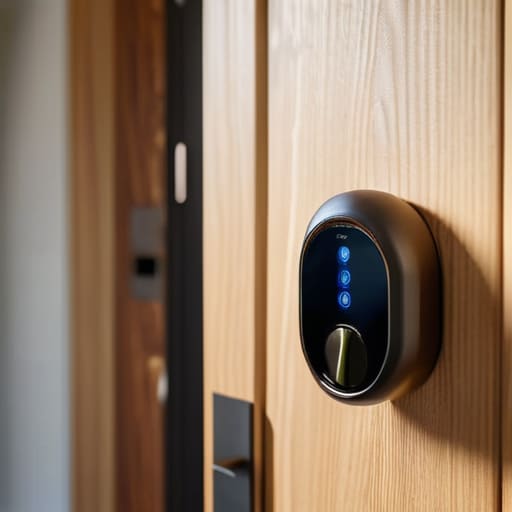
I spent six years on a helpdesk listening to people explain how their “revolutionary” new tech was actually just a fancy way to make their lives harder. Most marketing fluff will try to tell you that a smart lock is a gateway to a futuristic, seamless lifestyle, but let’s be honest: what is a smart lock actually? At its simplest, it’s just a deadbolt that lets you use your phone or a keypad instead of a physical key, provided the battery doesn’t die on you at 2 AM. I’ve seen too many people get caught up in the unnecessary complexity of high-end security ecosystems when all they really wanted was to stop fumbling for their keys while carrying three bags of groceries.
I’m not here to sell you on a lifestyle upgrade you don’t need. Instead, I want to walk you through the actual mechanics of how these things work, what they cost upfront, and—most importantly—what happens to your access if you stop paying for the subscription that runs the app. We’ll look at the different connection types, which ones are actually reliable, and exactly where the potential points of failure live.
Table of Contents
- Remote Door Unlocking Technology vs Just Using a Key
- The Messy Truth About Smart Lock Installation Types
- Five things to check before you let a gadget control your front door
- The things you’ll actually care about after reading
- The reality of the "smart" deadbolt
- The bottom line
- Frequently Asked Questions
Remote Door Unlocking Technology vs Just Using a Key
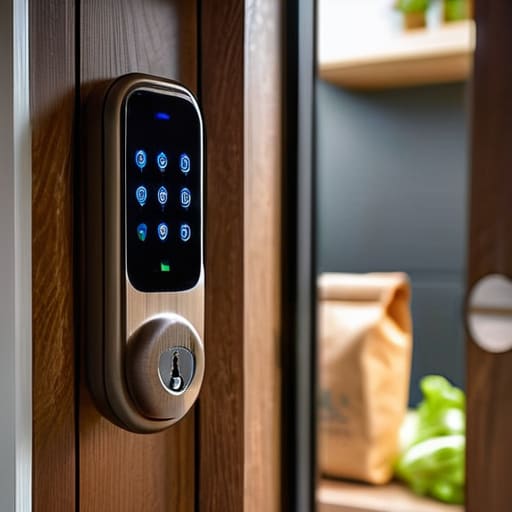
The main reason people look into remote door unlocking technology isn’t actually for the “cool factor”—it’s for the moments when you’re standing on the porch with two bags of groceries and realize your keys are at the bottom of your bag. Being able to tap a button on your phone to buzz a delivery person in or let a partner inside is genuinely convenient. It turns your door into a node in your home automation security features, rather than just a piece of wood and metal.
However, there is a trade-off. When you use a traditional key, the physics are simple: metal turns a tumbler, and you’re in. With a smart setup, you are introducing a layer of digital complexity. You have to consider your smart lock connectivity protocols—whether it’s Wi-Fi, Bluetooth, or Zigbee—because if your internet goes sideways, that “remote” feature becomes a paperweight. I always tell people to check if the lock has a physical key backup or a keypad. You don’t want to be the person who has to climb through a window because your phone died and the electronic deadbolt benefits suddenly feel like a massive inconvenience.
The Messy Truth About Smart Lock Installation Types
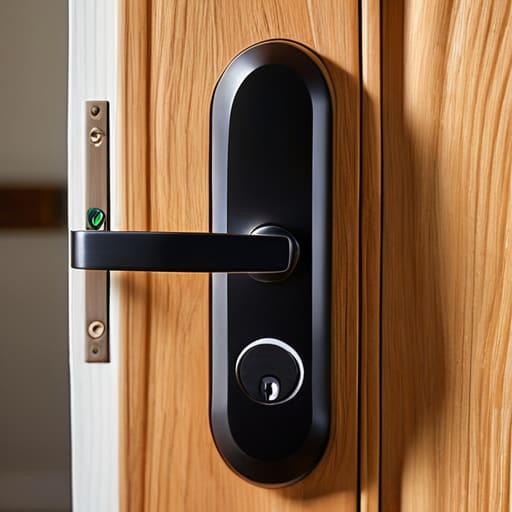
When you start looking at smart lock installation types, you’ll quickly realize they aren’t all created equal. You generally have two paths: the “replace the whole thing” method or the “tack it on” approach. Replacing your existing hardware is the cleaner option, but it usually means you’re unscrewing your current deadbolt and potentially dealing with a door that doesn’t quite align with the new hole. If you go this route, you get the full suite of electronic deadbolt benefits, like a more cohesive look, but you’re also committed to the physical labor of a proper install.
Then there are the retrofit kits. These are designed to sit on top of your existing hardware, meaning you keep your current keys and your door’s original look. It’s much easier, but it can feel a bit clunky and added-on. These kits often rely on your existing thumbturn to work, which is fine until you realize you’ve just added another layer of tech that might need a firmware update. Either way, before you buy, check your door’s clearance; if your deadbolt is recessed too deeply, most of these “easy” installs will end up being a headache.
Five things to check before you let a gadget control your front door
- Check the physical key situation. If the smart tech fails—and it will, whether it’s a dead battery or a software glitch—you need to know if there is a physical keyway that still works. Don’t buy a “keyless” lock unless you have a backup plan that doesn’t involve calling a locksmith at midnight.
- Look at the “subscription trap.” Some brands charge a monthly fee just to access the remote unlocking features or to save your entry logs. Before you buy, ask yourself: if I stop paying that $5 a month, does my lock become a very expensive, very dumb piece of metal?
- Verify your door’s hardware. A smart lock isn’t a magic wand that fixes a wonky door frame. If your current deadbolt is finicky or requires you to pull the door toward you to get it to latch, a smart lock will only make that frustration digital. Fix the door first, then buy the tech.
- Decide how you actually want to unlock it. Do you want a keypad, a fingerprint scanner, or just your phone? Fingerprint scanners are great until you’re wearing lotion or your hands are wet from gardening. Keypads are reliable, but you have to remember to wipe off the greasy fingerprints so people can actually see the numbers.
- Consider the “bridge” or “hub” requirement. Some locks connect directly to your Wi-Fi, while others require you to buy a separate little plug-in device (a bridge) to talk to your phone when you aren’t home. Factor that extra cost and that extra plug into your budget from the start.
The things you’ll actually care about after reading
Decide if you want a “smart” deadbolt or just a smart keypad; one lets you unlock the door from your sofa, the other just means you can stop losing your keys.
Check your door hardware before buying anything, because “easy installation” usually assumes you have a very specific type of deadbolt and zero existing holes in your door.
Factor in the “hidden” costs, specifically battery replacements and whether the app you need to open your own house requires a monthly subscription.
The reality of the "smart" deadbolt
At the end of the day, a smart lock is just a regular deadbolt that’s been given a brain—and like any brain, it can occasionally get confused, run out of energy, or decide it doesn’t like the Wi-Fi, so you’d better make sure you still have a physical key tucked in a drawer somewhere.
Saoirse Doyle
The bottom line
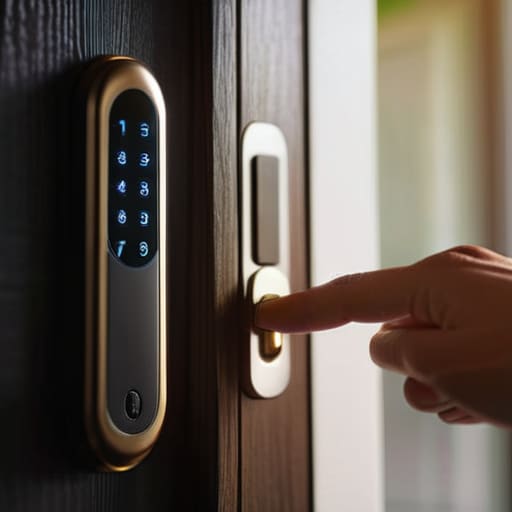
At the end of the day, a smart lock isn’t a magic shield that makes your house impenetrable; it’s just a different way to manage access. You have to decide if you actually want the convenience of remote unlocking and temporary codes, or if you’re just buying a gadget that adds another layer of potential failure to your front door. If you go ahead with it, remember to check if the hardware requires a monthly subscription just to keep your history or if it works locally. Most importantly, make sure you have a physical backup plan—whether that’s a hidden key or a model that still accepts a manual turn—for those inevitable moments when the batteries decide they’ve had enough.
Don’t let the marketing hype convince you that your home is “incomplete” without a dozen connected devices. Technology should serve your routine, not dictate it or force you into a constant cycle of troubleshooting and subscription renewals. If a smart lock makes your life easier by letting you stop fumbling for keys while carrying groceries, then it’s a win. But if it feels like just another thing you have to manage, it’s okay to just stick to a standard deadbolt. The best setup is always the one that stays out of your way and actually works when you need it most.
Frequently Asked Questions
Do I actually need a monthly subscription just to let my dog walker in?
The short answer is: maybe, but you shouldn’t have to. Some brands lock basic features—like sending a notification when your dog walker arrives—behind a monthly paywall. If you want to avoid the “subscription trap,” look for locks that support local Wi-Fi or use a hub that doesn’t require a cloud account for basic remote access. Just check the fine print first; otherwise, you might find yourself paying $5 a month just to see if the door actually closed.
What happens to my door if the Wi-Fi goes down or the batteries die?
If the Wi-Fi cuts out, you’re usually fine—you just won’t be able to unlock the door from your office or via voice command. Most locks use Bluetooth for local control, so they still talk to your phone when you’re standing on the porch. If the batteries die, though, that’s a different story. Check the box before buying; most have a physical key backup or a spot to jump-start them with a 9V battery so you aren’t locked out.
Can someone actually hack my lock through my home network?
Technically, yes, but it’s much harder than the movies make it look. To hack your lock, someone usually needs to get onto your Wi-Fi first. If they’re already in your network, they’re halfway there. Most modern locks use encryption that’s actually quite solid, but the weakness is often the “bridge” or the app on your phone. Keep your firmware updated and use a strong password; it’s less about the lock being “hackable” and more about your network being a sieve.
