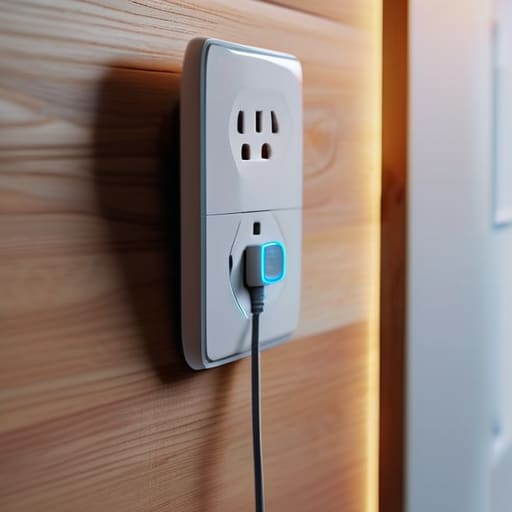
I spent six years on a helpdesk listening to people explain why they needed a $300 “smart home hub” to manage their living rooms, and frankly, most of it was just expensive noise. People get caught up in the jargon, thinking they need a complex ecosystem of interconnected sensors just to feel modern, but when they ask me what is a smart plug actually for, the answer is usually much more mundane. It isn’t a piece of futuristic tech; it’s just a little middleman that sits between your wall outlet and your lamp so you can turn it off from your phone without getting off the couch.
I’m not here to sell you on a lifestyle upgrade or a “seamlessly integrated home.” I’m here to tell you which ones actually connect to your Wi-Fi on the first try and which ones will turn into expensive plastic paperweights the moment the manufacturer decides to sunset their app. I’ll walk you through what they cost, how they behave when the internet goes down, and—most importantly—what happens to your automation schedules if you decide to stop paying for that premium subscription next year.
Table of Contents
The Reality of Wifi Enabled Outlets and Remote Device Control
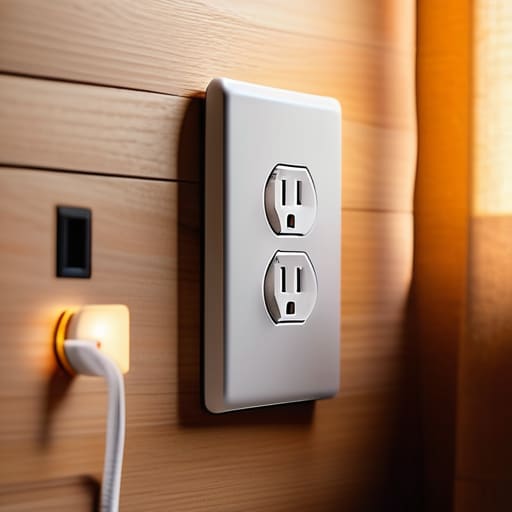
When people talk about remote device control, they usually make it sound like you’re piloting a spaceship from your phone. In reality, it’s much more mundane. You’re just sending a tiny command through your router to tell a little plastic box to bridge a connection. Most wifi enabled outlets work by staying connected to your home network 24/7, waiting for that “on” or “off” signal. It’s great for turning off the coffee maker when you’re already halfway to the office, but it’s not magic; if your internet goes down, your “smart” lamp becomes a very expensive, very dumb piece of plastic until the signal returns.
The real headache starts when you try to build a proper home automation ecosystem. You’ll see brands promising seamless smart home integration, but if you don’t check the fine print, you’ll end up with five different apps on your phone just to turn on the lights. I always tell people to look for smart plug compatibility with whatever hub you already own—like Apple Home or Google Home—before you buy a bulk pack. It saves you from the inevitable frustration of having to toggle between three different interfaces just to get your living room ready for a movie.
Navigating Smart Plug Compatibility Without Losing Your Mind
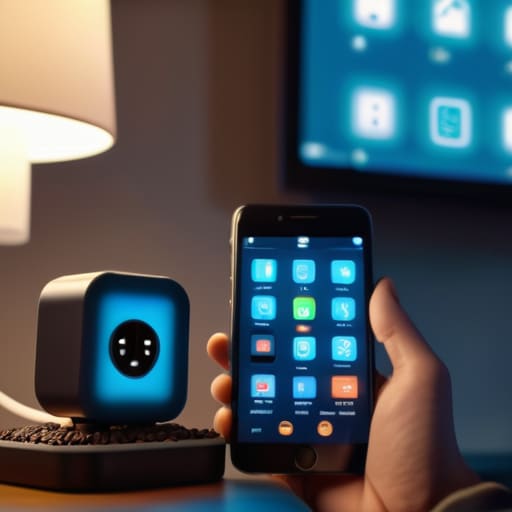
This is where most people run into a wall. You buy a cheap set of wifi enabled outlets because they look good on a landing page, only to realize three days later that they won’t talk to your existing setup. You end up with four different apps on your phone just to turn on a lamp and a fan, which isn’t a “smart home”—it’s just a digital chore.
When looking at smart plug compatibility, the most important thing isn’t the price tag; it’s the ecosystem you’re already using. If you’ve already committed to Apple HomeKit, Alexa, or Google Home, stick to that lane. If a box doesn’t explicitly say it works with your preferred assistant, don’t buy it just because it’s on sale.
I’ve seen too many people try to build a complex home automation ecosystem by piecing together random brands. It feels like a fun project until you realize that half your devices require a separate “hub” just to stay connected to the internet. Keep it simple: pick a standard, check the box for that standard, and move on with your life.
Five things to check before you buy a box of them
- Check the maximum load rating before plugging in anything heavy. A smart plug is fine for a bedside lamp, but if you try to run a space heater or a high-end espresso machine through a cheap one, you aren’t “automating” your home—you’re starting a small electrical fire. Look for the wattage limit on the box.
- Decide if you actually want another app on your phone. Most budget plugs require their own specific app to work. If you buy three different brands, you’ll end up with three different apps cluttering your home screen just to turn on your lights. Try to stick to one ecosystem if you want to keep your sanity.
- Look for “Local Control” in the fine print. Some plugs are “cloud-dependent,” meaning if your internet goes down or the manufacturer’s server crashes, your “smart” lamp becomes a very expensive, very dumb piece of plastic. If you can find ones that work over your local network without needing to talk to a server in another country, buy those.
- Beware of the “Subscription Trap.” While most plugs are one-off hardware purchases, some brands are starting to gatekeep advanced features—like scheduling or energy monitoring—behind a monthly fee. Read the setup instructions carefully to see if “Smart Features” actually means “Features you pay for after the first month.”
- Plan for your Wi-Fi signal strength. A smart plug is useless if it’s sitting in a corner behind a heavy sofa where the Wi-Fi signal can’t reach. If you’re planning to put one in a far bedroom or a garage, check your signal there first, or you’ll spend your entire weekend troubleshooting a device that’s just “offline.”
The three things you actually need to remember
Check the wattage of what you’re plugging in; if you try to run a space heater on a cheap smart plug, you aren’t being productive, you’re being a fire hazard.
Don’t buy into the “ecosystem” trap unless you have to; if you only want to turn a lamp on and off, a generic plug that works with your current phone is fine.
Always ask if the plug needs a cloud subscription to function, because if that company goes bust next year, your “smart” outlet just becomes a very expensive, very dumb plastic brick.
The truth about "smart" power
A smart plug isn’t some revolutionary piece of engineering; it’s just a digital middleman that lets you toggle a switch from your phone so you don’t have to get off the couch. It’s incredibly useful until the Wi-Fi drops or the manufacturer decides to kill the app, at which point it becomes a very expensive, very stubborn paperweight.
Saoirse Doyle
The bottom line
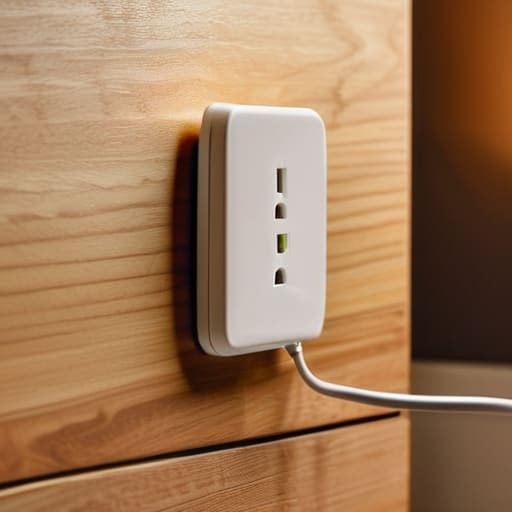
At the end of the day, a smart plug isn’t some revolutionary piece of hardware that’s going to change your life; it’s just a way to make your existing stuff act a little bit smarter. You’ve looked at the compatibility hurdles, the reality of relying on a stable Wi-Fi signal, and the fact that most of these things are just glorified timers. My advice remains the same: don’t overcomplicate it. Buy a brand that actually plays well with the ecosystem you already have, check the subscription fine print so you aren’t locked out of your own lamp later, and don’t buy twenty of them until you’ve tested one to see if it actually stays connected to your router.
Technology is supposed to serve you, not become another chore on your to-do list that requires a firmware update every Tuesday. If adding a smart plug to your coffee maker saves you five minutes of standing around in the dark, then it’s a win. But if you find yourself spending your Saturday afternoon troubleshooting a connection error just to turn on a bedside light, it’s not worth the headache. Aim for the frictionless version of your home. Get the tech working in the background so you can get back to the things that actually matter—like finally finishing that loaf of sourdough or just sitting down for a quiet moment.
Frequently Asked Questions
Can I use these for high-power things like my space heater or kettle without them melting?
The short answer is: please don’t. Most smart plugs are designed for lamps, fans, or phone chargers—things that sip power. A space heater or an electric kettle pulls a massive amount of current, and if the plug isn’t rated for that specific load, it’ll get hot enough to melt the plastic or, worse, start a fire. Check the wattage on your appliance and the “Max Amps” on the plug. If they don’t match perfectly, walk away.
What happens to my lamp if my internet goes down or I change my Wi-Fi password?
If your internet drops or you change your password, your lamp becomes a regular, “dumb” lamp. You can still flip the physical switch on the wall or the plug itself, and it’ll work fine. However, the “smart” part—the app, the schedules, and the voice commands—will just sit there broken. If you change your Wi-Fi password, you’ll have to go into the manufacturer’s app and manually re-enter the new credentials to get the connection back.
Do I actually need a separate "hub" to make these work, or can I just use my phone?
For most people, no, you don’t need a hub. You can just buy a Wi-Fi plug, connect it to your router, and control it via an app on your phone. It’s the simplest way to start. However, if you start buying dozens of things—sensors, lights, locks—your Wi-Fi might start struggling, and that’s when a hub becomes useful. Just keep in mind that if you buy a hub-based system, you’re tethered to that specific brand’s ecosystem.
