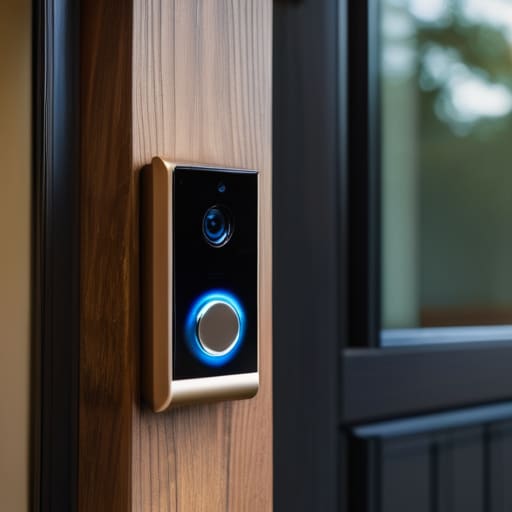
If you’ve spent more than five minutes looking at tech reviews lately, you’ve probably been told that a smart doorbell is a “revolutionary AI-driven security ecosystem.” Let’s be honest: that’s marketing nonsense. At its simplest, what is a smart doorbell? It’s just a camera that rings your phone so you don’t have to sprint to the front door every time a package shows up or a solicitor knocks. You don’t need a high-tech fortress; you just need to know who is standing on your porch without having to stare through a peephole like it’s 1995.
I’m not here to sell you on a lifestyle upgrade or a gadget that requires a PhD to install. My goal is to walk you through the actual mechanics of these things—the wiring, the lag, and the battery life. I will tell you exactly what to click during setup, which ones are a nightmare to mount, and, most importantly, what happens to your video history the moment you decide to cancel that monthly subscription. No hype, no fluff, just the unvarnished truth about making these things work for you instead of against you.
Table of Contents
Motion Detection and Resolution the Specs That Actually Matter
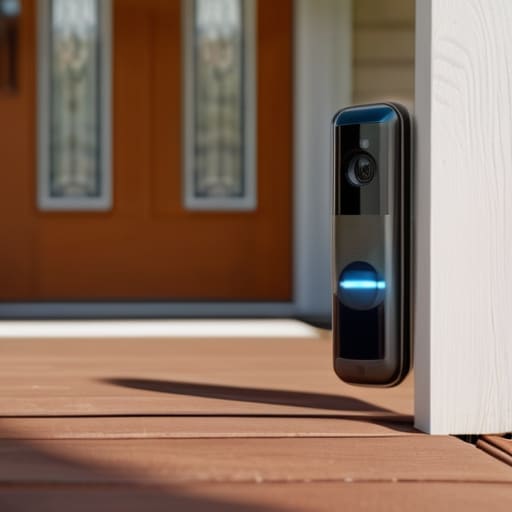
When you’re looking at a spec sheet, it’s easy to get distracted by the big numbers, but you need to look at how those numbers actually behave. A high smart doorbell camera resolution—like 2K or 4K—sounds great on paper, but it’s useless if the frame rate is so low that a person walking past looks like a blurry smudge. You don’t need a cinematic masterpiece; you just need to be able to tell if that person at your door is a delivery driver or someone looking for trouble.
The other thing people trip over is how the device actually “sees” movement. Most models use motion detection features that can be tuned, but if you don’t set them correctly, your phone will buzz every time a car drives past or a tree branch moves in the wind. It becomes a nuisance rather than a tool. I also tend to look closely at whether the device offers cloud vs local video storage. If you go the cloud route, you’re paying a monthly fee just to see what happened ten minutes ago. If you go local, you own your footage, but you’ll need to make sure you have a reliable way to access it when you aren’t home.
Two Way Audio and Smart Home Security Integration Basics
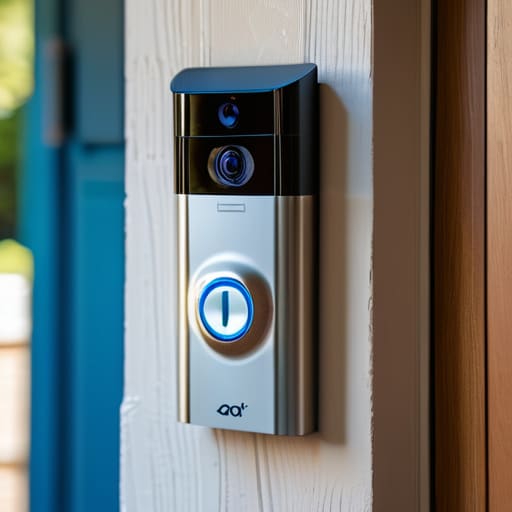
Most people buy these things to see who is at the door, but the actual utility often comes down to the two-way audio communication. It’s that feature that lets you tell a delivery driver to “just leave it behind the planter” without having to actually get up and unlock the door. Just a heads-up: the quality varies wildly. Some models sound like you’re talking through a tin can in a wind tunnel, while others are crystal clear. If you’re someone who frequently forgets they’re on a call while walking the dog, expect some awkwardness when the doorbell starts chirping in your ear.
Beyond just talking, you have to consider how the device plays with the rest of your house. This is where smart home security integration actually matters. If you have smart lights, you can set them to flash red when the doorbell rings, which is great if you’re in a loud kitchen or have a hard of hearing. However, keep in mind that “integration” often means “more things to update.” If your hub goes down, your doorbell might still work, but the convenience of your automated routine will definitely take a hit.
Five things to check before you click 'buy'
- Check your Wi-Fi signal at the front door first. I’ve seen so many people buy a top-of-the-line doorbell only to realize their router is on the other side of the house, leaving them with a very expensive, very useless piece of plastic that won’t connect.
- Read the fine print on the subscription. Most doorbells are basically paperweights without a monthly fee; if you stop paying, you usually lose your video history and can only see what’s happening in real-time. Decide now if you’re okay with that.
- Look for “Person Detection” in the specs. If the doorbell can’t tell the difference between a delivery driver and a tree blowing in the wind, your phone is going to buzz every ten minutes, and you’ll end up turning the notifications off within a week.
- Figure out your power situation. You either need to be comfortable running a wire to your existing doorbell setup, or you need to be okay with a battery-powered model that you’ll have to take down and charge every few months.
- Verify the local storage options. If you hate the idea of a monthly bill, look for a model that has a microSD card slot. It’s a bit more fiddly to set up, but it means your footage stays on the device and doesn’t vanish when a subscription expires.
The quick version
Don’t get distracted by “4K” marketing if the app is terrible; a clear picture is useless if the motion alerts are delayed by ten seconds.
Check the subscription fine print before you buy; if the camera requires a monthly fee just to let you watch a recording from yesterday, you don’t actually own the device, you’re just renting it.
Prioritize battery life and Wi-Fi stability over fancy features; a smart doorbell that’s constantly offline or needs charging every two weeks is just a very expensive paperweight on your door.
The reality of the doorbell
At the end of the day, a smart doorbell is just a camera that rings your phone so you don’t have to run to the front door every time a package shows up; just don’t be surprised when the manufacturer starts asking for a monthly fee to let you actually look at the footage you just paid to record.
Saoirse Doyle
The Bottom Line
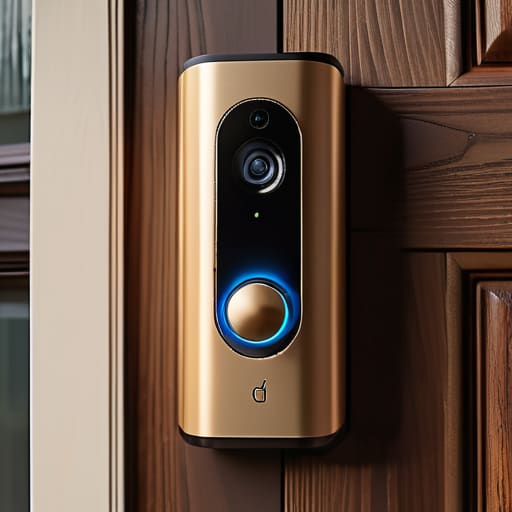
At the end of the day, a smart doorbell is just a tool to help you manage your front door without having to physically be there. You need to decide if you want a device that works entirely on its own, or if you are willing to trade a monthly fee for the ability to actually see your recorded footage later. If you go the subscription route, check the fine print to see if you can export your clips; there is nothing more frustrating than paying for a service only to find your data is trapped in their cloud with no way out. Focus on getting a decent resolution and reliable motion alerts, and don’t let the flashy marketing convince you that you need a dozen different integrations just to see who is dropping off a parcel.
Don’t feel like you need to build a massive, interconnected fortress to feel secure. Most of the time, a single, well-placed camera that does exactly what it says on the box is more than enough to quiet the noise in your head. Technology should serve your peace of mind, not become another chore on your to-do list or another recurring charge on your bank statement. Pick something that fits your budget, understands your Wi-Fi setup, and then let it do its job so you can get back to more important things, like making sure your sourdough starter hasn’t gone rogue.
Frequently Asked Questions
Do I actually need a subscription to see my recorded video, or can I just save it to an SD card?
The short answer is: it depends on how much you like being nagged by monthly invoices. Some brands, like Eufy or Reolink, let you save everything to a local SD card or a home hub. You own the footage, and there’s no monthly fee. Others, like Ring or Nest, are essentially paperweights without a subscription; they’ll show you live video, but the second a person walks by, they won’t let you see the clip unless you’re paying.
How much power does it really take, and will a battery-powered one die on me every two days?
The short answer is: it depends entirely on how much “action” happens at your front door. If you live on a busy street, a battery-powered doorbell will be constantly waking up to record passing cars, and yeah, you’ll be charging it every few days. If you’re on a quiet cul-de-sac, it might last months. If you can run a wire, do it. Hardwired is much more reliable and saves you the monthly chore of hunting for a charging cable.
Will this thing actually work with my existing doorbell chime, or am I going to need to install a whole new speaker?
It depends entirely on which model you buy, and this is where people usually get caught out. Some doorbells are “hardwired” to work with your existing chime, meaning they use your home’s existing power to ring that old bell in the hallway. Others are completely standalone and require you to plug in a separate digital chime or just rely on your phone. Check the box for “chime compatibility” before you buy, or you’ll be stuck staring at a silent phone.
