
I spent three years watching people buy $800 motorized desks only to use them as very expensive, slightly elevated dining tables. There is this massive, exhausting myth in the productivity world that if you just stop sitting, your back pain will vanish and you’ll suddenly become a high-performance machine. It’s nonsense. If you don’t actually know how to use a standing desk properly, you aren’t “optimizing your workflow”—you’re just trading lower back compression for aching calves and swollen ankles. I learned this the hard way during my helpdesk days, trying to troubleshoot server migrations while standing on a hard linoleum floor for six hours straight because I thought I was being “proactive.”
I’m not here to sell you a specialized ergonomic mat or a subscription to a posture-tracking app that pings your phone every ten minutes. I just want to tell you where to put your monitor, how to angle your elbows so you don’t ruin your wrists, and why you need to sit down frequently. This is the boring, practical version of the setup: the specific heights that actually work, the cheap fixes for floor fatigue, and what to do when your legs inevitably give out by 3:00 PM.
Table of Contents
- Correct Monitor Height Is More Important Than the Desk Itself
- Preventing Lower Back Pain Starts With Your Feet
- Five things to do before you start standing for eight hours
- The "don't make it a chore" checklist
- The standing desk trap
- Stop treating your desk like a stationary monument
- Frequently Asked Questions
Correct Monitor Height Is More Important Than the Desk Itself
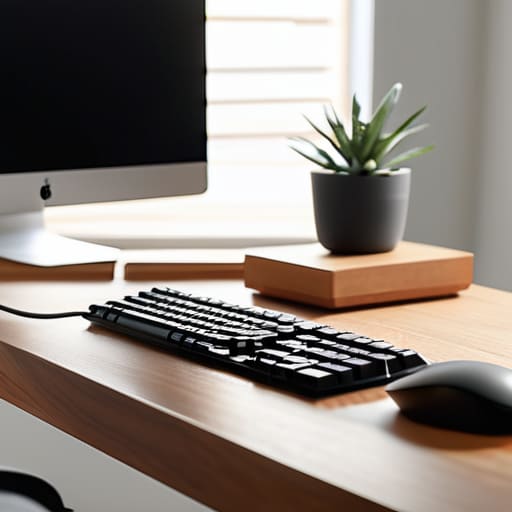
Most people buy a standing desk because they think the act of standing is the magic fix, but they end up just standing in a way that hurts. You can have the most expensive motorized frame on the market, but if you’re looking down at a laptop screen all day, you’re just trading sitting-related neck pain for standing-related neck pain. The real goal of an ergonomic workstation setup isn’t the height of the desk; it’s the relationship between your eyes and your screen.
To get your correct monitor height, you need to stop looking at the middle of the screen and start looking at the top third. If you have to tilt your chin down even slightly to read an email, your posture is already failing. I usually tell people to grab a stack of old textbooks or a dedicated monitor arm to get that screen up. If you don’t fix this, you’ll find yourself leaning forward to compensate, which is a one-way ticket to chronic shoulder tension by lunchtime. Get the height right first, or the desk is just an expensive piece of furniture that makes your legs ache.
Preventing Lower Back Pain Starts With Your Feet
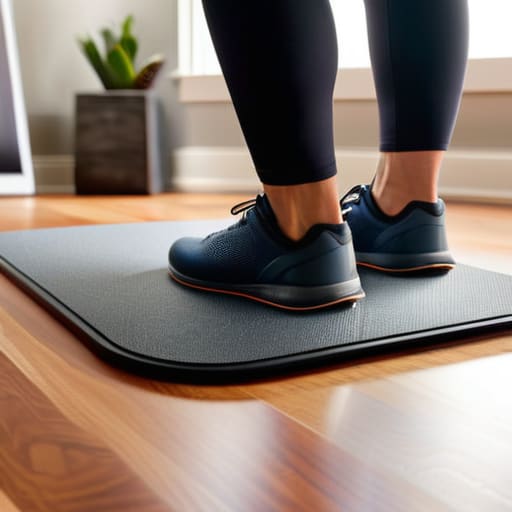
If you spend all day standing on a hardwood floor or thin office carpet, your lower back is going to pay the price by lunchtime. I’ve seen people buy a three-thousand-dollar desk only to ruin their posture because they’re standing on a surface that offers zero shock absorption. If you want to focus on preventing lower back pain, you need to stop treating your floor like it’s part of the equipment.
Invest in a decent anti-fatigue mat. It isn’t just some luxury fluff; it’s a piece of functional gear that encourages micro-movements in your legs, which keeps your blood flowing and prevents that heavy, aching feeling in your joints. If you’re on a budget, even a small piece of high-density foam helps, but don’t skip this step.
Finally, don’t try to be a hero and stand for eight hours straight. The goal of a good ergonomic workstation setup isn’t to turn you into a statue; it’s to stop you from being static. Use a timer to manage your alternating sitting and standing intervals. If you feel yourself starting to lean or slouch, that’s your cue to sit down for a bit.
Five things to do before you start standing for eight hours
- Don’t try to stand all day right away. If you go from sitting for eight hours to standing for eight hours, your ankles will hate you by lunch. Start with twenty minutes here and there. It’s a muscle thing, not a willpower thing.
- Get an anti-fatigue mat. If you’re standing on hardwood or thin carpet, you’re basically working on a concrete floor. A decent foam mat isn’t a luxury; it’s the difference between finishing your workday and needing a massage.
- Check your keyboard height. Your elbows should be at about a 90-degree angle. If you have to reach up or hunch down to hit the keys, you’re just trading back pain for wrist strain, and that’s a lateral move you don’t want to make.
- Watch your “lean.” People tend to shift all their weight onto one hip when they get tired. It looks relaxed, but it’s actually just putting your spine out of alignment. If you find yourself leaning, it’s time to sit down.
- Mind your cables. If you’re moving the desk up and down, make sure your computer, monitor, and peripherals have enough slack. I’ve seen too many people yank a USB-C cable right out of a laptop because they forgot the desk wasn’t stationary.
The "don't make it a chore" checklist
Stop trying to stand for eight hours straight; aim for short, manageable intervals so you aren’t too exhausted to actually do your work.
Check your elbow angle every time you adjust the height—if you’re reaching up or hunching down to type, you’ve done it wrong.
Get a decent anti-fatigue mat or a footrest, because standing on bare floorboards or hard carpet is a fast track to sore heels and a bad mood.
The standing desk trap
Most people buy a standing desk thinking it’s a magic cure for a sedentary lifestyle, but if you just stand up in the same hunched-over position you were sitting in, you haven’t solved anything—you’ve just moved the ache from your hips to your heels.
Saoirse Doyle
Stop treating your desk like a stationary monument
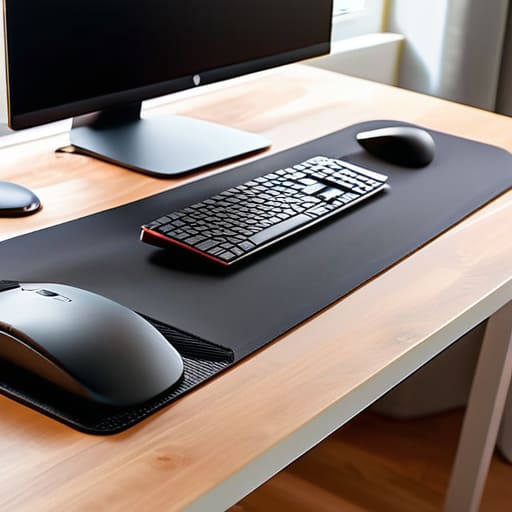
At the end of the day, a standing desk is just a piece of furniture that moves up and down; it isn’t a magic cure for a sedentary lifestyle. If you get the monitor height wrong, you’ll just trade back pain for neck strain, and if you don’t have a decent mat or some supportive footwear, your feet will be screaming by lunch. The goal isn’t to stand for eight hours straight—that’s a recipe for swelling and fatigue—but to ensure that when you do stand, your body isn’t fighting against your setup. Remember to check your elbow angles, keep your screen at eye level, and most importantly, don’t forget to sit back down when your legs start to feel heavy.
We spend a lot of time looking for the “perfect” productivity hack or the most expensive ergonomic chair, but the best system is usually the one that requires the least amount of conscious effort to maintain. A good desk setup should eventually become invisible; you shouldn’t be thinking about your posture or your wrist angle while you’re trying to actually get your work done. Stop chasing the gear and start focusing on the friction. If your setup stops getting in your way, you’ve done the job right. Now, go check your monitor height one more time and then get on with your day.
Frequently Asked Questions
How long should I actually stand for before I'm supposed to sit back down?
Don’t fall into the trap of thinking you should be standing for eight hours straight. If you do, your feet will hate you and your lower back will eventually protest. The sweet spot is usually a 1:1 or 2:1 ratio—about twenty minutes of standing for every forty minutes of sitting. If you feel your weight shifting restlessly from one leg to the other, that’s your body telling you it’s time to sit down.
Do I really need an anti-fatigue mat, or is a rug enough?
A rug is fine for aesthetics, but it won’t save your joints. If you’re standing for more than twenty minutes at a time, get a proper anti-fatigue mat. A rug is just soft padding; a real mat uses high-density foam to encourage micro-movements in your legs, which keeps your blood flowing. Just check the height before you buy—you don’t want something so thick that it makes your desk feel like it’s sinking.
What happens to my desk settings if I switch from a manual crank to an electric one?
The short answer is: nothing happens to your settings, because they aren’t stored in the desk. Your “settings” are just where you physically placed your monitor and keyboard.
